Exclamation mark next to Wi-Fi on Android: what it means and how to fix it
We explain why the internet connection indicator appears on your Android device and how to restore network access.
 💡Tech
Photo: UNIAN
Key points
- The exclamation mark indicates a lack of internet access despite Wi-Fi connection
- Cross-device testing helps identify if the issue is local or network-wide
- Public networks often require a browser-based login
Android users may occasionally notice an exclamation mark appearing next to the Wi-Fi icon. This system notification indicates that while the device is successfully connected to a wireless access point, it is unable to establish a stable internet connection.
How to troubleshoot the issue
The first step is to check whether other devices connected to the same network can access the internet. If they cannot, the issue likely lies with your router or internet service provider. Restarting the router is often the most effective first step in such cases.
If other devices are working fine, the problem is likely isolated to your smartphone. Try the following methods to resolve the issue:
- Toggle "Airplane Mode" on and off to reset wireless connections.
- Forget the Wi-Fi network and reconnect by re-entering your credentials.
- Restart your smartphone.
- Check for available Android system updates to fix potential software bugs.
It is also important to note that in public Wi-Fi networks, such as those in cafes or transit hubs, this icon often indicates that you need to complete a login process via a captive portal page before you can access the internet.
Source UNIAN — unian.ua/techno/communications/wi-fi-zi-znakom-okliku-na-android-sh… ↗
Read next
 🛡️Security
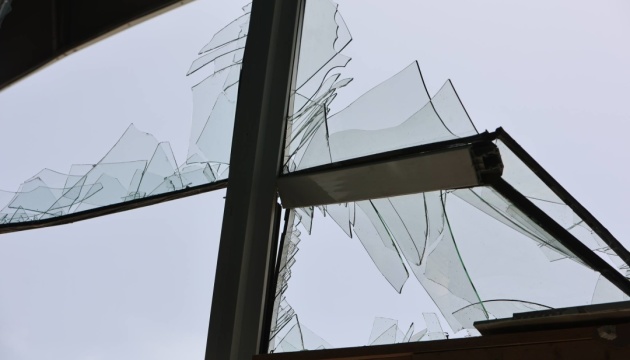
Consequences of overnight drone attack in Kyiv region: woman injured
A woman was injured and residential buildings were damaged following a Russian drone attack in the Bila Tserkva district.
 🇺🇦Ukraine
Incident in the Gulf of Finland is an act of Ukraine's self-defense, says Estonian MFA
The attack on the Russian vessel Sparta II in the Gulf of Finland is a consequence of the war unleashed by Russia, stated Estonian Foreign Minister Margus Tsahkna.
 🏛️Politics
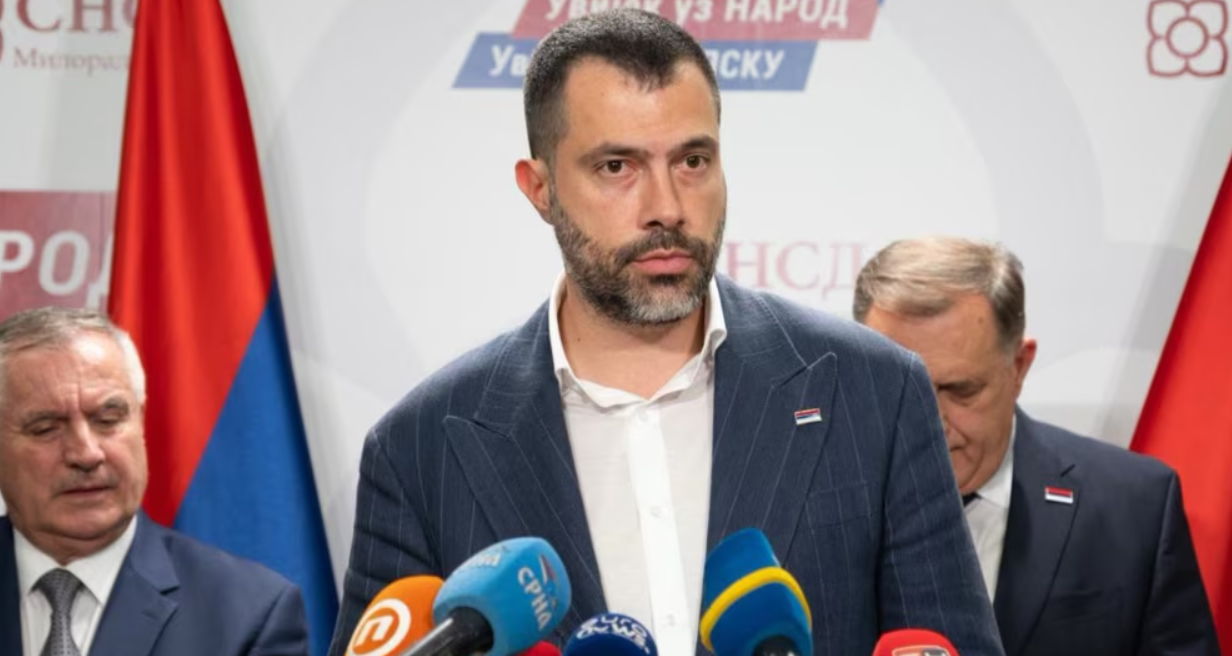
Igor Dodik Nominated as Prime Minister of Republika Srpska
Igor Dodik, son of SNSD leader Milorad Dodik, has been mandated to form the new government of Republika Srpska.
 ⚽Sport
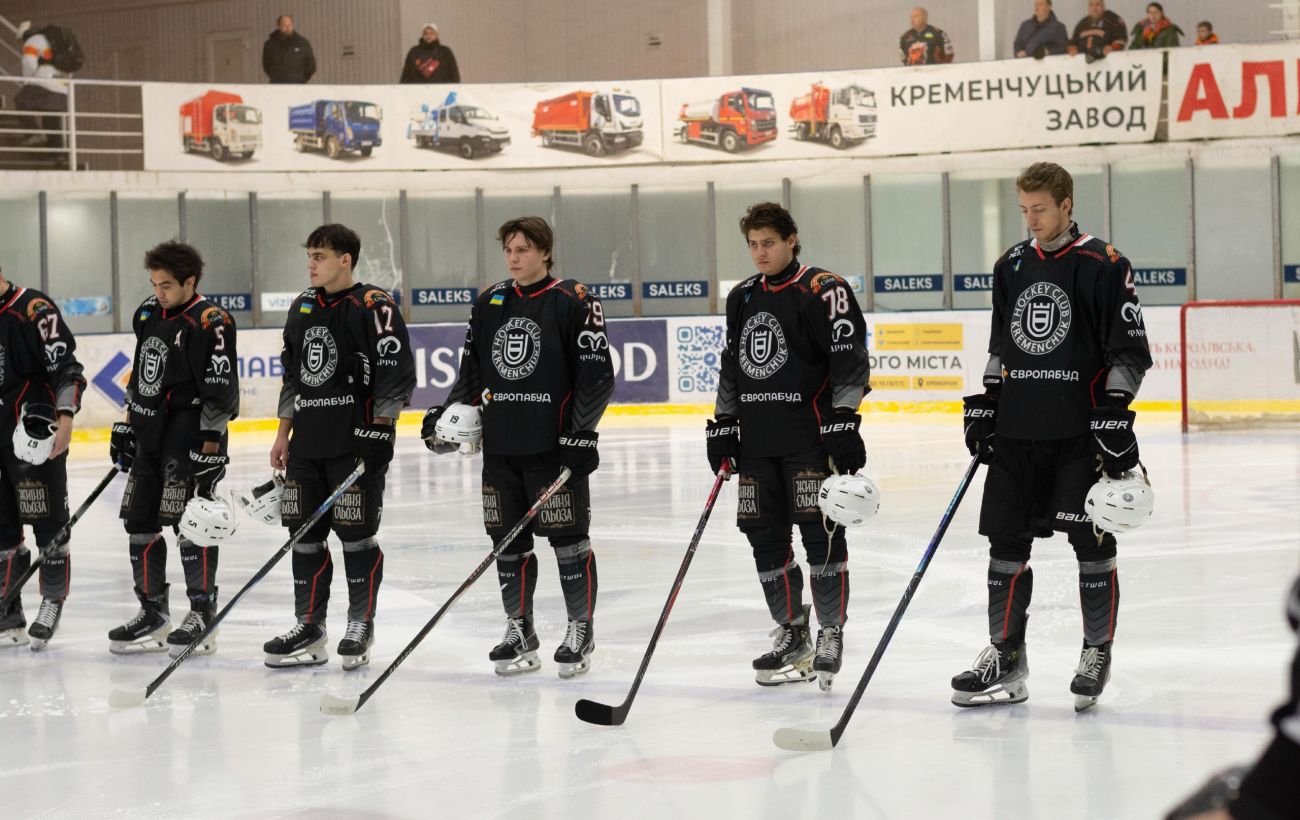
HC Kremenchuk secures a confident victory over the Ukrainian championship leader
Hockey club Kremenchuk defeated Odeshchyna with a score of 5:2, narrowing the gap to the top of the standings.
 💼Economy
US Military Learns from Ukrainian Drone Academy Killhouse: Key Takeaways
A US Army aviation warrant officer visited Ukraine's Killhouse drone academy twice. The practical training approaches, drone maintenance, and electronic warfare tactics a…
 🛡️Security
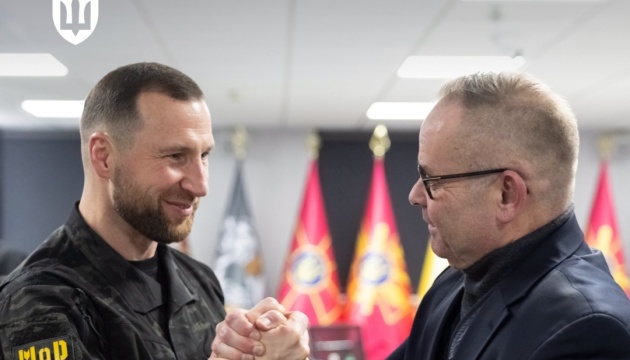
Ukraine and Sweden Discuss Fast-Tracking Gripen Fighter Jet Deliveries
The Ukrainian Ministry of Defense held talks with Sweden regarding the acceleration of Gripen fighter jet deliveries and necessary weaponry to strengthen air defense.