The mysterious triangle on your Samsung screen: what this indicator means
Samsung Galaxy users often encounter a triangle icon in the status bar, which restricts background data usage and affects notifications.
 💡Tech
Photo: UNIAN
Key points
- The triangle indicates Data Saver mode
- The function restricts background app activity
- Settings can be adjusted in the connection menu
Samsung Galaxy smartphone owners often notice an unusual symbol in the top status bar: a triangle with small arrows pointing up and down. While it may visually resemble a warning road sign, it poses no threat to the device; it is simply an indicator of a specific network setting.
Causes and implications
This icon signals that the "Data Saver" mode is active. In Samsung’s One UI, this triangle replaces the standard Android circle-with-a-plus icon. When this feature is enabled, the system strictly restricts apps from using mobile data in the background.
As a result, applications stop syncing automatically, and notifications from messengers or email may be delayed or fail to appear entirely until the user opens the app manually.
How to manage settings
The mode is often enabled accidentally via the quick settings panel. If you wish to restore normal notification behavior, you can simply turn off this option in the connection settings. Users can also configure exceptions by adding essential services to a list of apps allowed to use data in the background, even while Data Saver is active.
Source UNIAN — unian.ua/techno/software/trikutnik-u-ryadku-stanu-samsung-shcho-ozn… ↗
Read next
 🛡️Security
Consequences of overnight drone attack in Kyiv region: woman injured
A woman was injured and residential buildings were damaged following a Russian drone attack in the Bila Tserkva district.
 🇺🇦Ukraine
Incident in the Gulf of Finland is an act of Ukraine's self-defense, says Estonian MFA
The attack on the Russian vessel Sparta II in the Gulf of Finland is a consequence of the war unleashed by Russia, stated Estonian Foreign Minister Margus Tsahkna.
 🏛️Politics
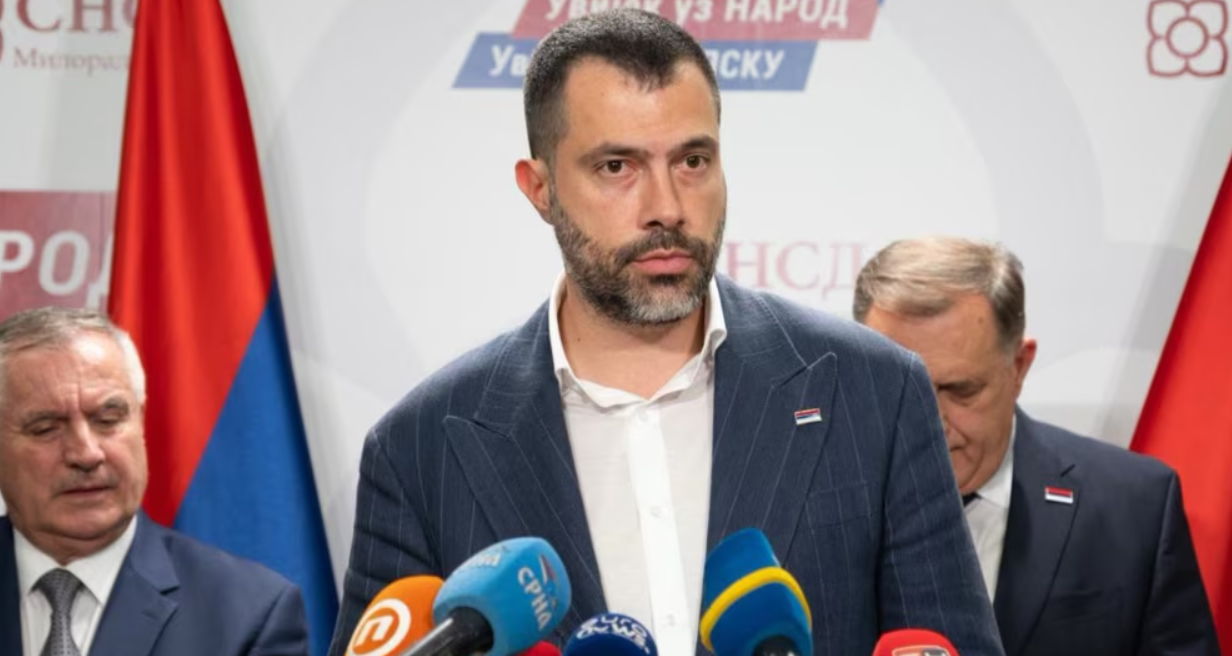
Igor Dodik Nominated as Prime Minister of Republika Srpska
Igor Dodik, son of SNSD leader Milorad Dodik, has been mandated to form the new government of Republika Srpska.
 ⚽Sport
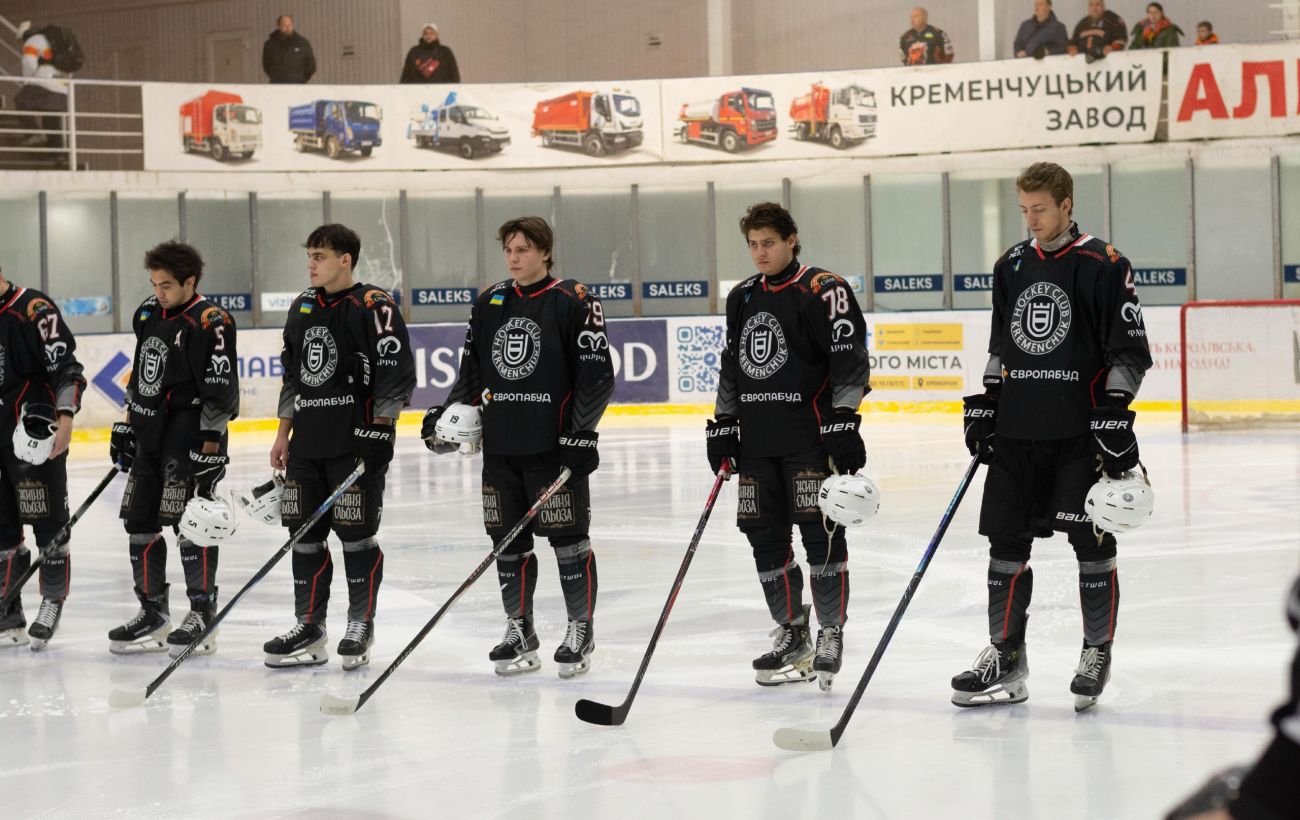
HC Kremenchuk secures a confident victory over the Ukrainian championship leader
Hockey club Kremenchuk defeated Odeshchyna with a score of 5:2, narrowing the gap to the top of the standings.
 💼Economy
US Military Learns from Ukrainian Drone Academy Killhouse: Key Takeaways
A US Army aviation warrant officer visited Ukraine's Killhouse drone academy twice. The practical training approaches, drone maintenance, and electronic warfare tactics a…
 🛡️Security
Ukraine and Sweden Discuss Fast-Tracking Gripen Fighter Jet Deliveries
The Ukrainian Ministry of Defense held talks with Sweden regarding the acceleration of Gripen fighter jet deliveries and necessary weaponry to strengthen air defense.